Pagination Done Right: Offset vs Cursor, From Database to React
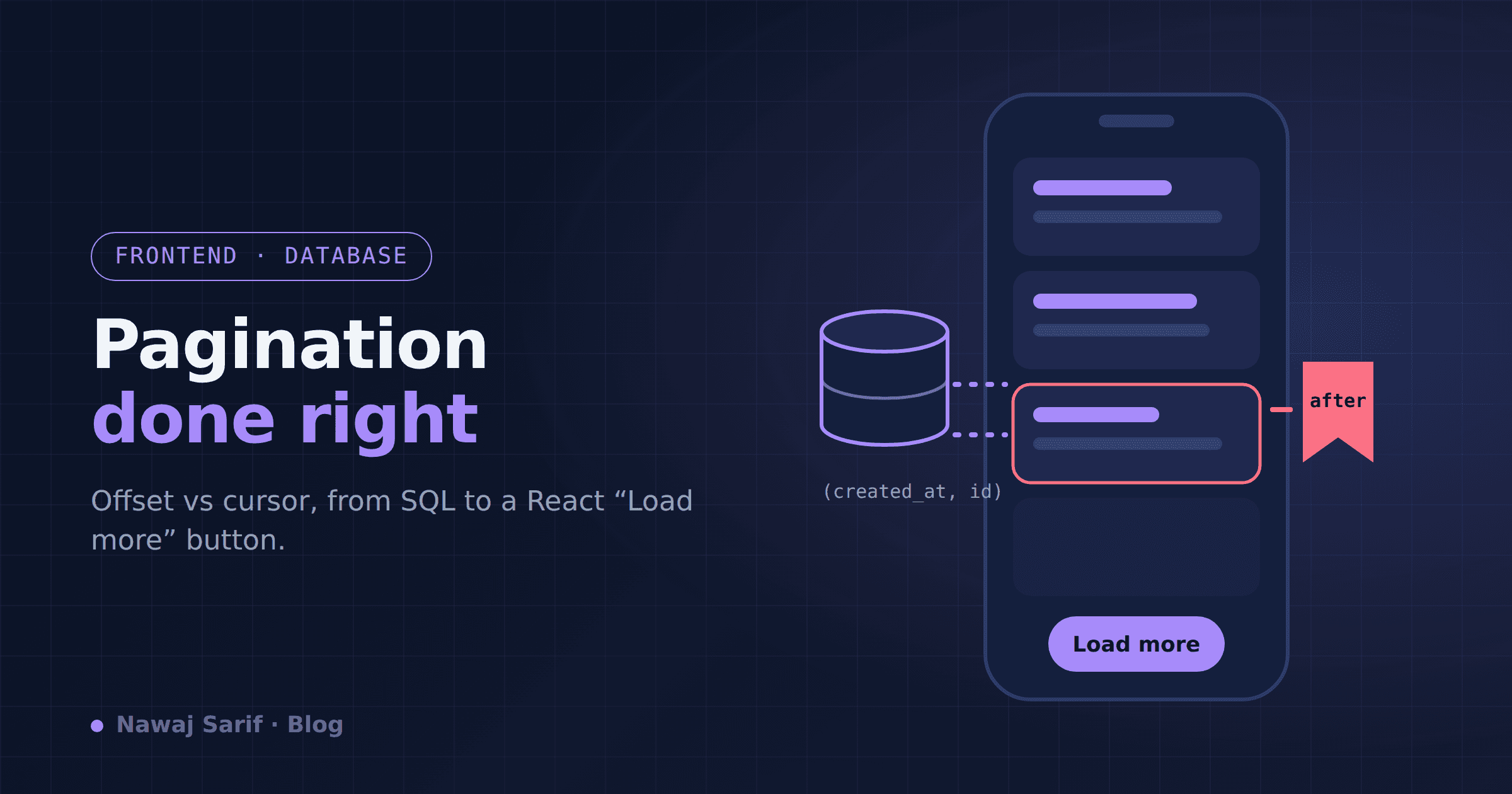
Pagination looks like the simplest feature in any app. Show 20 items, add a "Next" button, done. Then the table grows, users start scrolling deep into feeds, and two strange bugs appear: later pages get slower and slower, and users sometimes see the same item twice or miss one entirely.
Both bugs come from the same choice: how you paginate at the database level. This post covers the two main approaches, when to use each, and a full working example from SQL to a React component.
Approach 1: Offset pagination
This is what most tutorials teach:
sql SELECT id, title, created_at FROM posts ORDER BY created_at DESC LIMIT 20 OFFSET 40; -- page 3
The API looks like /api/posts?page=3, and the frontend shows page numbers.
Why people like it: it's easy, and users can jump straight to page 7.
Problem 1: it gets slower the deeper you go. OFFSET 100000 doesn't magically skip to row 100,001. The database still has to find and walk past the first 100,000 rows, then throw them away. Page 1 is fast; page 5,000 can take seconds.
Problem 2: data shifts between requests. Imagine a user loads page 1 (posts 1–20). While they're reading, 3 new posts are published. They click "Next," and the query asks for OFFSET 20. But everything moved down by 3, so posts 18, 19 and 20 appear again at the top of page 2. If posts are deleted instead, items get silently skipped. In an infinite-scroll feed, this looks broken.
Approach 2: Cursor (keyset) pagination
Instead of saying "skip 40 rows," you say "give me the next 20 rows after the last one I saw."
sql -- first page SELECT id, title, created_at FROM posts ORDER BY created_at DESC, id DESC LIMIT 20;
-- next page: pass the last item's created_at and id SELECT id, title, created_at FROM posts WHERE (created_at, id) < ('2026-09-20 10:15:00', 8412) ORDER BY created_at DESC, id DESC LIMIT 20;
The (created_at, id) pair is the cursor. Two details matter here:
Include a unique tiebreaker (id). If two posts share the same created_at, sorting by time alone isn't stable and you can skip or repeat rows. Adding id makes the order unique. Index the sort columns so the database can jump directly to the cursor position: sql CREATE INDEX idx_posts_created_id ON posts (created_at DESC, id DESC);
With that index, page 5,000 is as fast as page 1, because the database never walks past rows it doesn't need. And because you're anchored to a real item rather than a position, new or deleted posts don't cause duplicates or gaps.
(The row-comparison syntax (a, b) < (x, y) works in PostgreSQL and MySQL. In databases without it, write created_at < x OR (created_at = x AND id < y).)
The trade-off: you can't jump to "page 37." You can only go forward (and backward, with a reversed query). For feeds, timelines, chat history, activity logs and infinite scroll, that's exactly what users do anyway.
Which one should you use? Situation Use Admin tables with page numbers, small datasets Offset Users need "jump to page N" or total page count Offset Infinite scroll, feeds, "Load more" buttons Cursor Large or fast-changing tables Cursor Public APIs other developers consume Cursor
Plenty of apps use both: offset for an internal admin table with 2,000 rows, cursor for the public feed with 2 million.
Building the API
Don't expose raw column values in the URL. Encode the cursor as an opaque string so you can change the internals later without breaking clients. Here's a FastAPI example (the same idea works in Django or Express):
python import base64, json from fastapi import FastAPI
app = FastAPI() PAGE_SIZE = 20
def encode_cursor(row): raw = json.dumps({"t": row["created_at"].isoformat(), "id": row["id"]}) return base64.urlsafe_b64encode(raw.encode()).decode()
def decode_cursor(cursor): return json.loads(base64.urlsafe_b64decode(cursor.encode()))
@app.get("/api/posts") async def list_posts(cursor: str | None = None): if cursor: c = decode_cursor(cursor) rows = await db.fetch_all( """SELECT id, title, created_at FROM posts WHERE (created_at, id) < (:t, :id) ORDER BY created_at DESC, id DESC LIMIT :lim""", {"t": c["t"], "id": c["id"], "lim": PAGE_SIZE + 1}, ) else: rows = await db.fetch_all( """SELECT id, title, created_at FROM posts ORDER BY created_at DESC, id DESC LIMIT :lim""", {"lim": PAGE_SIZE + 1}, )
has_more = len(rows) > PAGE_SIZE items = rows[:PAGE_SIZE] return { "items": items, "next_cursor": encode_cursor(items[-1]) if has_more else None, }
Notice the PAGE_SIZE + 1 trick: fetch one extra row. If it exists, there's another page. This avoids running a separate, expensive COUNT(*) query just to know whether to show the "Load more" button.
Building the React side
On the frontend, you keep the list of items and the latest cursor. Each "Load more" click sends the cursor back.
jsx import { useState, useEffect, useCallback } from "react";
export default function PostFeed() { const [posts, setPosts] = useState([]); const [cursor, setCursor] = useState(null); const [hasMore, setHasMore] = useState(true); const [loading, setLoading] = useState(false);
const loadMore = useCallback(async () => { if (loading || !hasMore) return; setLoading(true); try { const url = cursor ? `/api/posts?cursor=${encodeURIComponent(cursor)}` : "/api/posts"; const res = await fetch(url); const data = await res.json(); setPosts(prev => [...prev, ...data.items]); setCursor(data.next_cursor); setHasMore(data.next_cursor !== null); } finally { setLoading(false); } }, [cursor, hasMore, loading]);
useEffect(() => { loadMore(); }, []); // first page
return ( <div> {posts.map(p => <article key={p.id}><h3>{p.title}</h3></article>)} {hasMore && ( <button onClick={loadMore} disabled={loading}> {loading ? "Loading..." : "Load more"} </button> )} </div> ); }
A few details that make the experience feel solid:
Use p.id as the React key, never the array index, so React doesn't re-render the whole list when new items are appended. Guard against double requests with the loading check. Fast double-clicks otherwise fetch the same page twice. For infinite scroll, replace the button with an IntersectionObserver watching a small element at the bottom of the list and call loadMore() when it becomes visible. Reserve space for loading states (a skeleton card instead of a spinner) so the layout doesn't jump. In production, a data-fetching library like TanStack Query's useInfiniteQuery handles caching, retries and deduplication for you, and it's built around exactly this cursor pattern. The takeaway
Offset pagination is fine for small, stable tables where users need page numbers. For anything that grows or changes, like feeds, logs, search results and public APIs, cursor pagination is faster at every depth and immune to the duplicate/missing-item bug.
The recipe is short: sort by a unique column combination, index those columns, pass the last item's values as an opaque cursor, and fetch one extra row to know whether there's more. It's a small change that makes your app feel noticeably more reliable as it grows.